


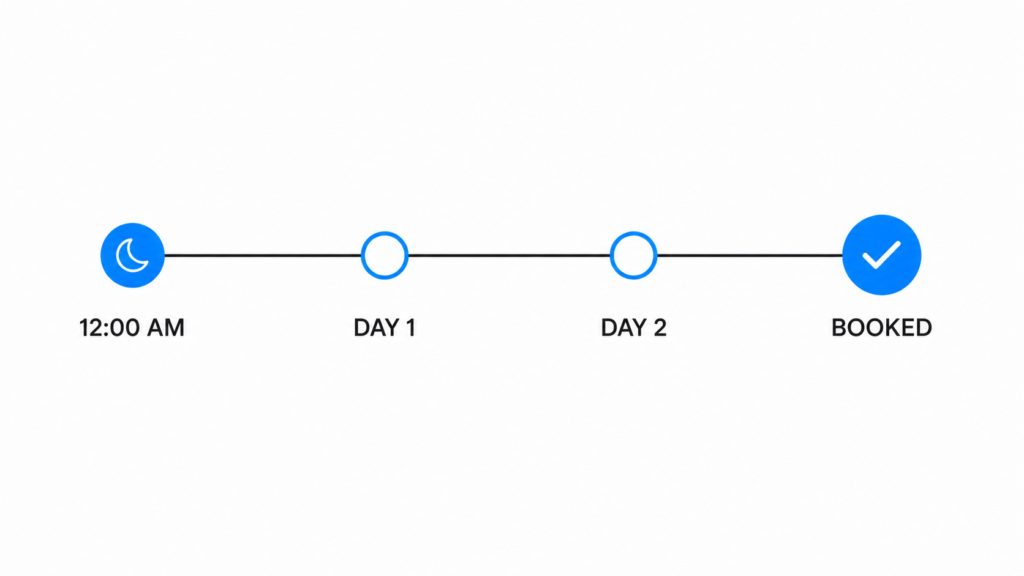
A lead filled out a form at midnight and said they were not ready to talk. Three days later, that lead was on the calendar. Not because anyone on the sales team remembered to chase it. Because the AI did.
That story comes from Mike Oddo, who runs a real estate media company with his wife and recently launched Locally Branded, an agency focused on helping local businesses. Mike is not new to this. He has spent years in SEO and web design, he has run GoHighLevel for a long time, and he has tested plenty of AI tools. When someone with that background tells you why he moved off GHL’s native Conversation AI, it is worth listening to the reasoning rather than the verdict.
Here is what he found.
The specialist argument
Mike’s core principle has nothing to do with any single feature:
“Having a product that’s designed for one thing is always gonna be way more flexible. They’re gonna come out with more features, they’re gonna be able to support it better.”
He applies this across his stack. GHL runs his automations and his CRM. For the pieces he cannot afford to have break, he reaches for tools built specifically for that job. This mirrors what HighLevel’s own co-founder Varun told us. HighLevel isn’t trying to go deep, but wide.
The reason is structural, not a knock on HighLevel. GHL is a platform with a hundred moving parts. When several of them break in the same week, the roadmap gets triaged, and conversational AI is competing against calendars, funnels, payments, memberships, and everything else. Mike raised a feature request during the Flow Builder launch, got a “yes, we’re going to build that,” and months later it still had not shipped. That is what prioritization looks like at a company with that surface area.
A platform that only does automated lead response has a very focused queue.
Five differences between CloseBot and HighLevel that showed up in practice
1. The responses did not read like a human wrote them
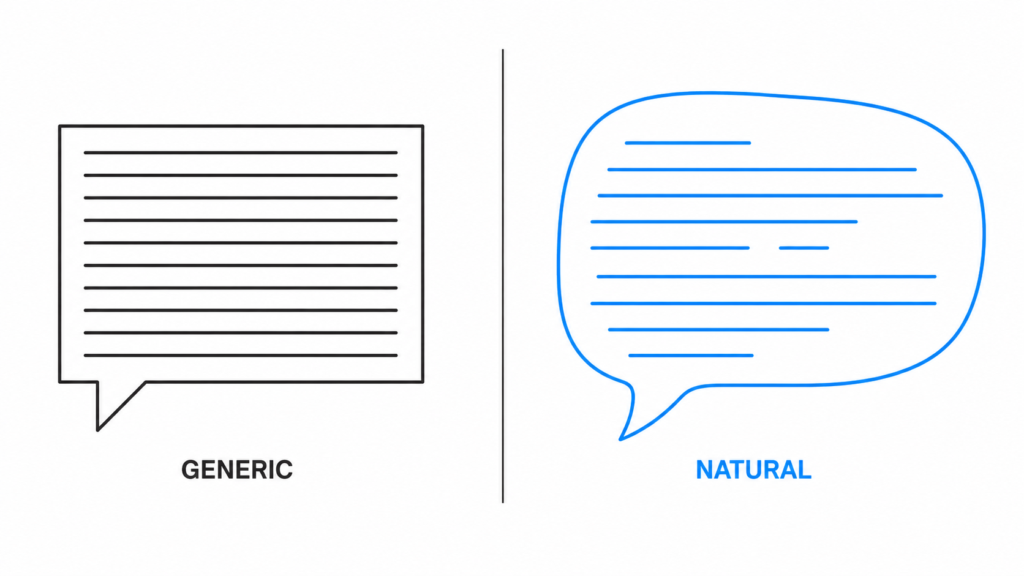
This was Mike’s first wall. GHL’s native Conversation AI worked, in the sense that it produced replies. But you could tell.
“You need something that understands context and naturally flows instead of just the generic canned, you know, you can tell when it’s like ChatGPT responding.”
The fix was not better prompting. It was model choice. CloseBot lets you pick your provider, and Mike prefers Claude for exactly this reason. When a booking bug surfaced on Claude and the first suggestion was to switch to ChatGPT, he refused, because his client was already impressed with how natural the conversation sounded. He tried the swap for one day and switched straight back.
You cannot make that trade on a platform that decides the model for you.
2. Messages that look like texts, not memos
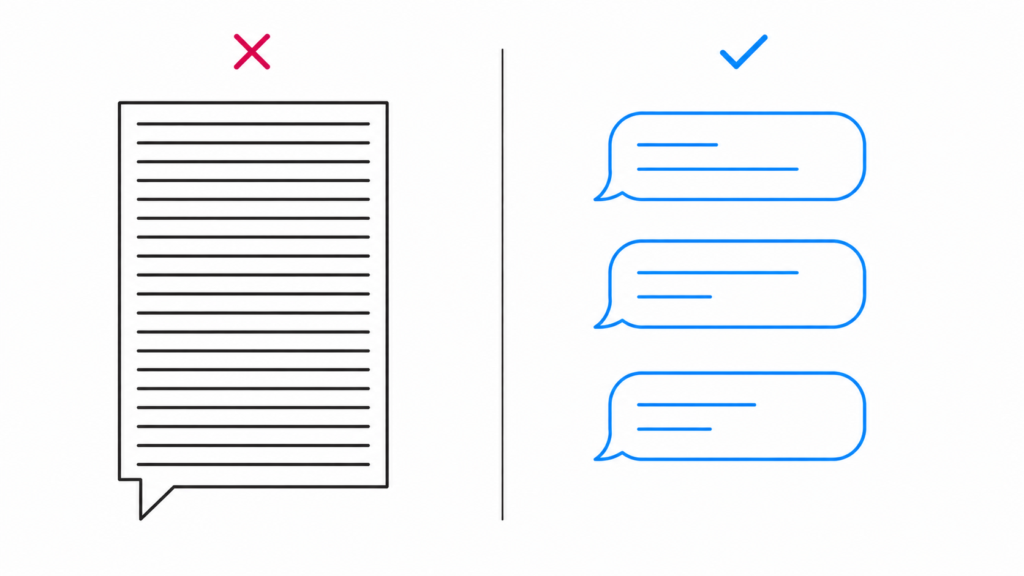
CloseBot splits replies across multiple messages instead of sending one wall of text. It sounds cosmetic. It is not. See the Sales AI Benchmark Report compiled by us that shows we know what converts leads.
“When you’re texting someone, no one texts like that. And it doesn’t matter if it’s AI or human, no one’s gonna read a block of text.”
Nobody reads a paragraph on their phone from an unknown number. They skim the first line and move on. Message splitting is the difference between a reply that gets read and a reply that gets ignored, and it feeds directly into every downstream number you care about.
3. One node instead of a hundred
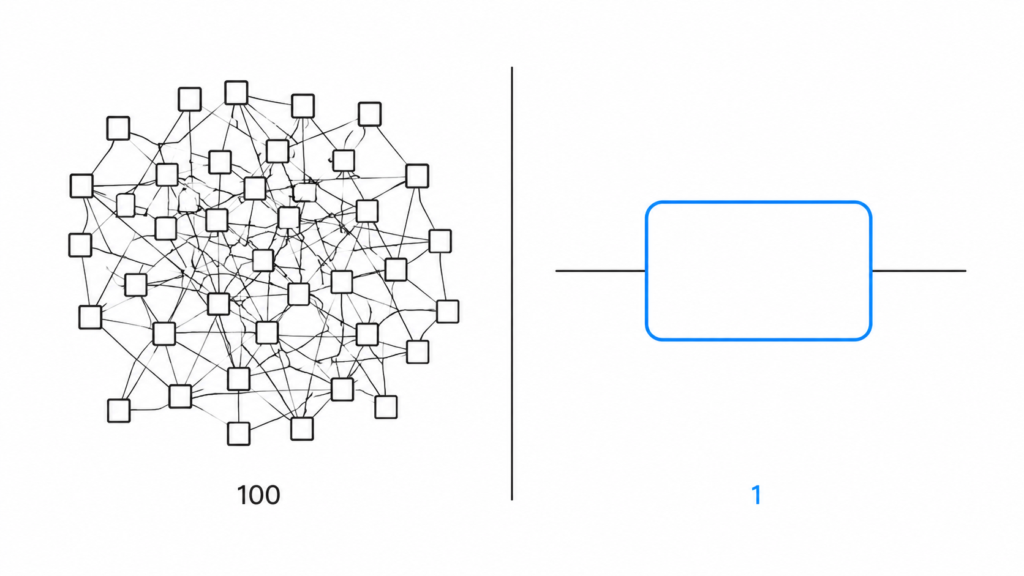
When Mike started, building an agent meant assembling complex flows across dozens of nodes. Then the Agent Node shipped.
“It’s literally like editing a Word doc. And I have like one flow in my thing. One node.”
His practical warning is worth repeating: less is more. Overload the instructions and the model starts guessing which paragraph to follow. Clear, tight instructions outperform exhaustive ones.
4. Custom tools for problems nobody anticipated
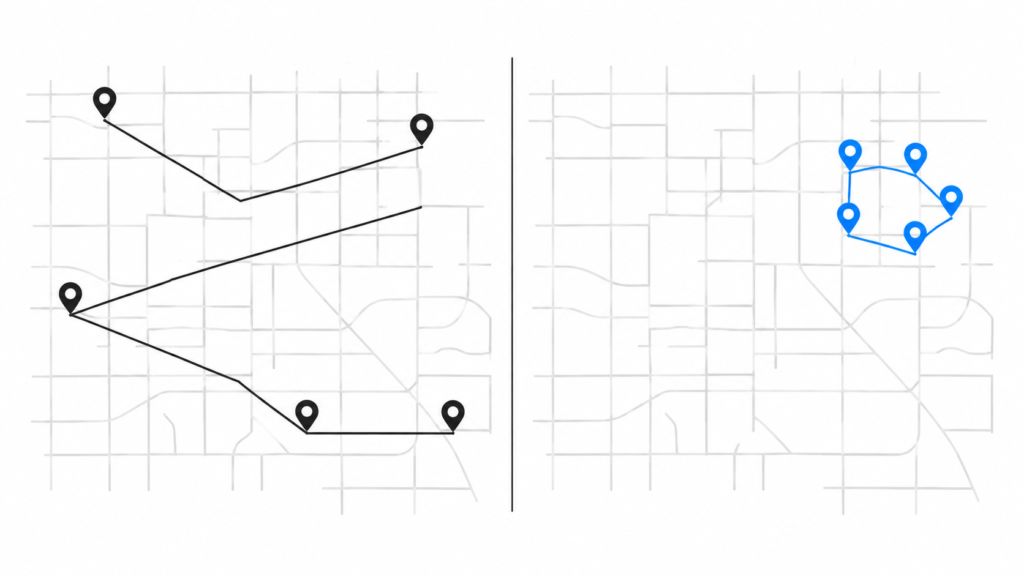
Mike’s media business has a constraint most booking tools do not model: drive time. Sending a crew across town for a single job wrecks the day’s margin, so appointments need to cluster geographically.
He looked for a solution, asked around in the GHL community, and did not find one that fit. So he wrote a script, registered it as a custom tool in CloseBot, and now the agent checks distance before it books. Because CloseBot passes the appointment address through to GHL’s calendar, it works regardless of which calendar the business uses.
“It’s really neat that you can do whatever you want essentially with Closebot. You can build whatever custom tool you need to achieve something that needs to get done.”
That is the difference between a feature list and an extension point. A native tool gives you what the roadmap decided you need. A specialized platform gives you a place to solve your own problem this week.
5. Follow-up that actually happens
This is the feature Mike calls the best one, and it is the midnight story from the top of this post.
A lead submitted a form after midnight. The agent responded within a minute and asked if it was a good time. The lead said no, try tomorrow. CloseBot followed up. The lead said she was in bed and asked for 4:00 PM the next day. CloseBot followed up again at 4:00 PM and booked the appointment.
Two details make this more than a nice anecdote.
First, Mike had the scheduled follow-up sequences turned off. This was the smart follow-up behavior reading the conversation, understanding the commitment the lead had made, and acting on it without configuration.
“I didn’t have follow-ups on. It just, it was the smart follow-up feature where it literally just understood and did it. Like, I didn’t have to do anything.”
Second, the sales team had the same shot. Mike’s setup routes any lead that is not booked within 24 hours to the human team with a note that AI already attempted contact. They had a full day with that lead and did not close it. CloseBot did, three days after the original form fill.
“You don’t have to rely on me trying to remember to follow up with that person. Because I’m gonna forget. I’m busy. And you look at these business owners, they’re never gonna do it.”
Speed to lead automation, and why after hours is the easiest place to start
Mike’s client is a four to five person sales team that takes calls from 8:00 AM to 8:00 PM and does very little on weekends. They were resistant to AI, which is normal.
So he did not ask them to replace anything. He turned CloseBot on only outside business hours: before 8:00 AM, after 8:00 PM, and weekends. If the AI mishandled those leads, nothing was lost, because those leads were already going unanswered and moving on to a competitor.
This is the cleanest way to sell speed to lead automation into a skeptical team. You are not competing with the humans. You are covering the hours where the alternative is silence.
The data backed it up. Mike had been reviewing Google LSA call recordings and found that inbound calls were taking about a minute to get answered during business hours. People hang up. And when reps did answer, they were frequently saying the same thing: nobody is available, let me get you on the schedule.
“That’s happening anyways. You might as well just keep your sales team working and put them on book calls.”
The AI is not replacing the rep. It is doing the part the rep was already doing manually, faster, and freeing them to work the booked appointments.
One more thing Mike noticed: text converts better than voice for this. People get irritated with voice AI. On text, when the responses sound natural, they generally do not clock it as AI at all, so the friction disappears. It also costs meaningfully less.
The part where things broke
Mike hit a real bug. The agent would miscalculate dates, so a Monday conversation agreeing to “Tuesday” would sometimes book on the wrong date. It happened four or five times, and he found out the awkward way, from leads asking whether they were supposed to have an appointment.
Worth being honest about why: this is the AI model doing arithmetic badly, and it is a known weak spot across every model on the market. The first suggestion he received was to switch providers, which for him was not an acceptable answer.
So CloseBot built around it instead. The availability and booking API calls now run through a wrapper function that accepts the day of the week as an extra parameter. Before anything reaches the calendar, that wrapper checks whether the proposed date actually falls on the stated weekday. If it does not, it sends the model a quiet correction with the nearest matching date and asks it to retry. Only a validated booking gets passed through.
Mike has not seen the issue since.
That is the specialist argument playing out in real time. The problem got a purpose-built fix in about a day rather than a place in a queue behind ninety-nine other things.
“Regardless if I had little small stuff here and there, your team is like super responsive.”
The honest version of CloseBot vs. HighLevel
Consolidation is genuinely valuable. Fewer logins, one bill, one support contact. Mike says so himself, and he still runs GHL for his CRM and automations.
The question is which pieces of your stack you can afford to have merely work, and which ones need to be excellent. If conversational AI is the first thing every lead touches and the thing standing between an inquiry and a booked appointment, it belongs in the second category.
“It’s more convenient to have everything in one platform, 100%. But when I need a feature that I can’t afford to break, I don’t mind picking a platform that specializes in that.”
Automated lead response is not a checkbox on a feature comparison. It is the front door.
Mike Oddo runs Locally Branded and helps local businesses get set up with AI appointment setting. If you want this working for your business but would rather not build it yourself, reach out to him on Facebook Messenger. He is also happy to give a straight answer to anyone on the fence about whether this beats the native options.
It depends on what you need it to do. GHL’s Conversation AI is included with the platform and handles basic replies. CloseBot is built specifically for qualifying leads and booking appointments, which means model choice, message splitting, custom tools, and smart follow-up. If conversational AI is a nice-to-have for you, native may be fine. If it is the first thing every lead touches, a specialized tool wins.
No. CloseBot sits on top of GHL and handles the conversation layer. You keep GHL for your CRM, automations, calendars, funnels, and pipelines. Most CloseBot users run both, using GHL as the foundation and CloseBot as the AI sales agent above it.
Speed to lead automation is the practice of responding to an inbound lead within seconds or minutes rather than hours, without a human having to be available. Response time is one of the strongest predictors of whether a lead converts, and most businesses lose leads simply because nobody was at a desk when the form came in.
Typically within 3-5 seconds. CloseBot triggers off your live chat widget or a webhook from a GHL form submission, so the conversation starts as soon as the lead comes in, including nights and weekends.
Yes. You can select your provider, including Claude and ChatGPT. This matters more than it sounds, because response quality differs noticeably between models, and a natural-sounding reply is the difference between a lead engaging and a lead ignoring you. Platforms that lock you to one model take that decision away from you.
Usually not over text, provided the responses sound natural and are broken into multiple short messages instead of one long block. Agencies running CloseBot consistently report that text-based conversations draw far less friction than voice AI, where people are more likely to notice and get irritated.
Yes, and it does not require you to build a follow-up sequence. If a lead says “not right now, try tomorrow at 4,” CloseBot understands the commitment and follows up at that time. In the case study above, that behavior booked an appointment three days after the original form fill, with scheduled follow-up sequences turned off entirely.
The Agent Node lets you build an entire AI agent in a single node using plain written instructions instead of assembling dozens of flow nodes. Most users run one node for their whole agent. The practical tip from experienced users is that shorter instructions outperform longer ones, since overloading the prompt makes the model less consistent about which part to follow.
Yes. CloseBot supports custom tools, so you can write a script, register it, and let the agent call it during a conversation. The case study above covers an agency that built a drive-time check so appointments cluster geographically instead of scattering a crew across town.
Yes, regardless of which calendar you use. CloseBot passes the booking details, including the appointment address, through to the GHL calendar, so the two work in tandem.
Yes, and it is the most common way to introduce AI to a resistant sales team. Run CloseBot only outside business hours and on weekends. Those leads are currently going unanswered, so there is no downside risk, and the booked appointments make the case for expanding coverage far better than any pitch will.
Yes. CloseBot integrates with HubSpot and, through its flexible source connector, with custom and other CRM setups.